
Samsung Galaxy S10 Features
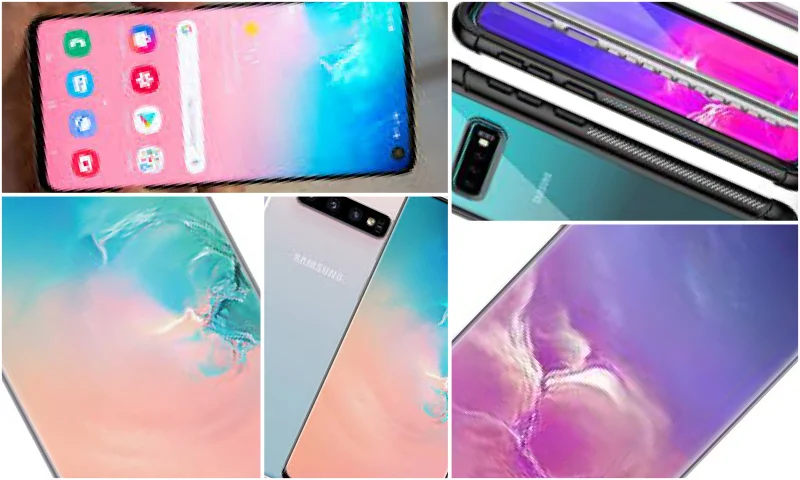
Mobile phones are undoubtedly the devices that reach human life the fastest with developing technology. Phones have a very important place in human life with countless features such as games, applications, internet, social sharing sites, and messages. However, there are no limits to applications. Technological innovations and applications continue relentlessly depending on the brand and model of mobile phones. Samsung, in particular, is one of the best-selling brands worldwide every year with its different advanced models. Samsung models, which are very popular in terms of screen quality, image, call, and application richness, manage to take their place at the forefront again this year with their new models.
What Are the Innovations?
Samsung Galaxy S10 will soon start to be available at dealerships with its new features. So, what are the innovations in this model of the brand? The ultrasonic fingerprint scanner integrated into the screen stands out as the most appreciated feature of the S10 model. The Oh scanner frees you from the obligation to stay connected to Google Chrome. Photo applications are also highly appreciated as an application that offers the possibility to polish and correct your photos to the extent you want. The storage space in the model is much larger than you expect. We can say that it will take a long time to fill the 128GB storage space. The S10, an intelligent model that constantly informs you about your phone's status, offers a clean and comfortable usage feature thanks to its smart notification system. Samsung Galaxy S10 truly has an incredible smart system, almost like a friend or your mother making your life easier and organizing many things for you. The programs that aim to make you happy truly represent the level we have reached in technology and internet applications. Scrolling gestures are seamless and easy, message applications are beyond your expectations. There are applications that organize important and unimportant messages, bring your frequently preferred ones to the forefront, and make messaging faster. For example, there are two tabs in the messaging section. One is the directory where all contacts are located, and the other is the messaging section. After determining who you want to text, you can click on it and start writing the message immediately. You can also store and view your account summaries, reports, or notes as a single file. Yes, it seems the Samsung Galaxy S10 will be talked about a lot.